How Instagram Can Transform Your Website Experience

Instagram is more than just a place to share photos and videos. It’s a powerful tool that can keep your website fresh, engaging, and visually appealing. If you want to connect your Instagram content directly to your site, there are smart ways to do it that save time and boost your online presence.
Why Instagram Feeds Matter for Your Website
People love Instagram because it’s visual and dynamic. When you bring that energy to your website, visitors get a real-time glimpse of your brand or personality. This can increase engagement and make your site feel alive.
But manually updating your site with Instagram posts can be a hassle. That’s where automatic syncing comes in. It keeps your site updated with your latest Instagram posts and reels without you lifting a finger.
How Automatic Sync Works
Automatic sync means your website pulls new Instagram content based on a schedule you choose. Whether you want daily updates or even hourly refreshes, this feature keeps your feed current. It’s especially useful if you post often or want to highlight Instagram reels alongside regular posts.
This kind of integration helps your site visitors see your latest work, products, or stories instantly. It also saves you time, so you can focus on creating content rather than managing your website.

Customizing Your Instagram Feed to Match Your Brand
One of the best parts about embedding Instagram on your site is the ability to customize how it looks. You don’t have to settle for a plain grid of photos. Instead, you can start with predesigned themes and then tweak colors, fonts, buttons, and even animations.
This means your Instagram feed can blend seamlessly with your website’s style. Whether your site is minimalistic, bold, or playful, you can make your Instagram content fit perfectly.
Layout Options for Every Page
Different pages on your site might need different Instagram layouts. For example:
A portfolio page might look best with a grid layout to showcase many images at once.
A blog page could use a carousel or slider to highlight featured posts.
A product page might benefit from a masonry feed that arranges images in an eye-catching, staggered style.
These layouts are responsive, so they look great on both desktop and mobile devices. This flexibility means your Instagram feed will always be easy to browse, no matter how visitors access your site.
Managing Multiple Instagram Accounts
If you handle several brands or projects, connecting multiple Instagram accounts to your website can be a game changer. This is especially useful for agencies or businesses with different product lines.
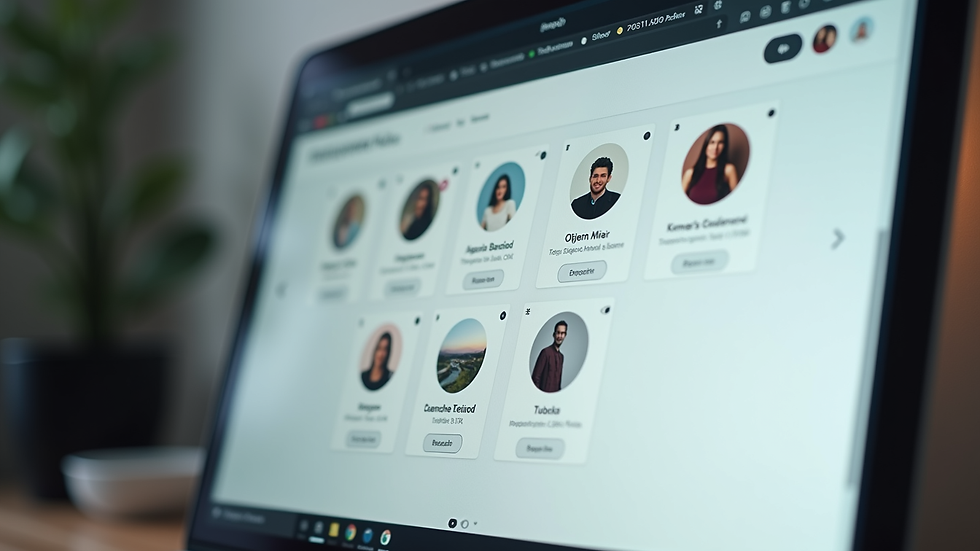
You can display content from each account separately or combine them in one feed. Plus, if you’re designing a site but don’t have an Instagram account ready, you can use built-in Instagram-style template content to see how the feed will look.
This multi-account support makes it easier to manage your online presence without juggling multiple tools.
Using Instagram Feeds for Different Website Types
Instagram feeds are not just for personal blogs or portfolios. They work well for many kinds of websites, including:
Stores: Show off new products or customer photos.
Restaurants: Share mouth-watering food photos and customer experiences.
Agencies: Highlight recent projects and client stories.
Creator pages: Display your latest work and behind-the-scenes moments.
Landing pages: Add social proof and dynamic content to boost conversions.
By choosing the right layout and design, you can make your Instagram feed a key part of your website’s story.
Example: Using the Wix Instagram App for Seamless Integration
One tool that makes Instagram integration easy is the Wix Instagram app. It offers:
Free Instagram posts, reels, and layouts.
Automatic syncing with options from daily to hourly updates.
Advanced design customization with predesigned themes.
Multiple layout choices like grid, carousel, slider, and masonry.
Support for multiple Instagram accounts.
This app helps you build a fast, mobile-responsive Instagram feed that fits your site perfectly. You can display captions, likes, comments, and direct links to Instagram posts. It’s a great example of how technology can simplify managing your online content.
Tips for Making the Most of Your Instagram Feed on Your Website
Here are some practical tips to get the best results:
Choose a layout that fits your content: If you post mostly photos, a grid might work best. For videos or reels, a slider or carousel can highlight them better.
Match your website’s style: Use the customization options to align colors, fonts, and spacing with your brand.
Keep your feed updated: Use automatic sync to avoid stale content.
Use captions wisely: Captions can add context and encourage visitors to engage.
Test on mobile: Make sure your Instagram feed looks good on phones and tablets.
Final Thoughts on Instagram Integration
Bringing Instagram content to your website is a smart way to keep your site fresh and engaging. With tools like the Wix Instagram app, you can automate updates, customize designs, and manage multiple accounts easily.
This approach saves time and helps your website reflect your latest work and personality. If you want your site to feel alive and connected, integrating Instagram feeds is a step worth taking.
Explore how Instagram feeds can enhance your website and keep your visitors coming back for more.
For more details, check out the Wix Instagram app and see how it can fit your needs.


